

Generate and refine with AI
Give a clear brief, then ask for specific changes.
Write the brief
Include your audience, topic, intended takeaway, language and any facts that must appear. You can provide a URL for context, choose a template or add a brand kit. The app may ask questions before generating.
On a paid plan, attach reference images by dropping, pasting or selecting them. Each image adds 1 credit to the request; up to 4 images are supported.
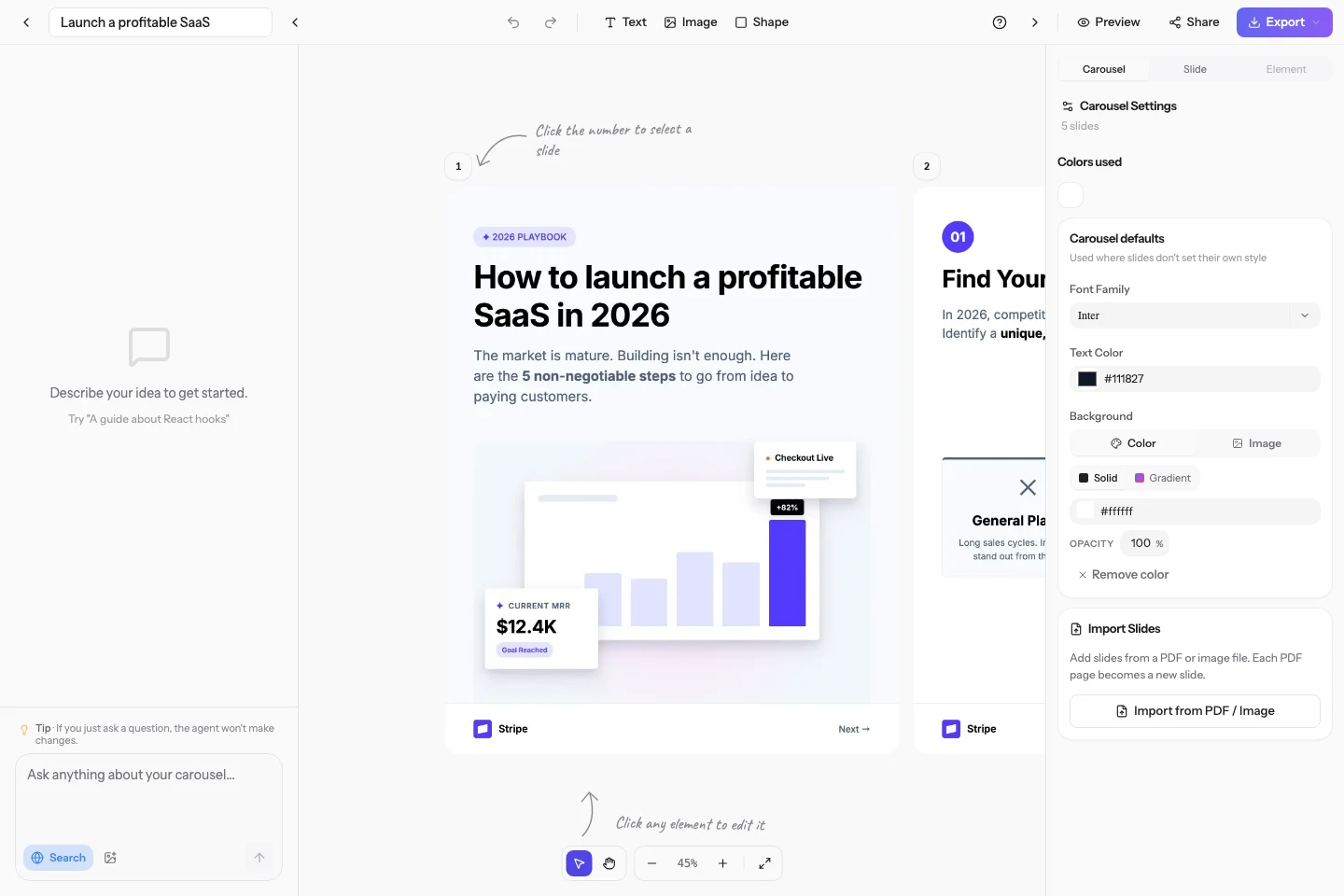
Target the change
- For a specific element, select it and choose Ask Carousels Generator. The selection appears as context in the chat.
- Describe the outcome: “Shorten this title to six words” or “Replace this photo and keep the layout.”
- For a wider change, specify the slides or the whole carousel. Check the updated result before exporting.