

AI chat editing
Ask for the edit you have in mind.
Shorten the opening. Rewrite one slide. Change the tone. Keep working in the same carousel.
10 free credits. No credit card required.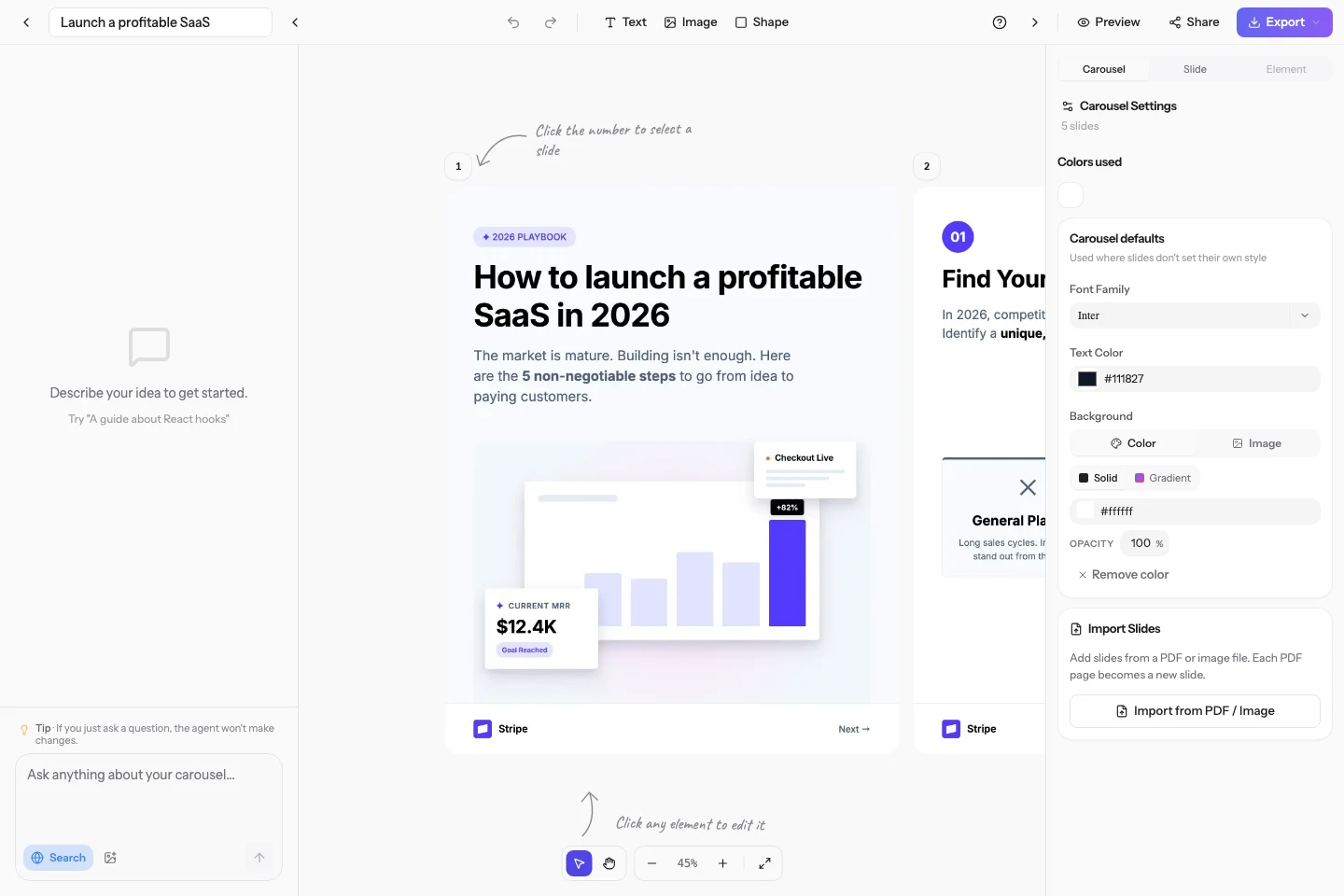
Point to the right element
Select an element or slide so the AI has the context for your request.
Work on words and design
Ask for a new headline, a different layout or a change across the whole carousel.
Stay in control
Review the result on the canvas and keep refining it by chat or by hand.
Plans and credits
Every plan. Targeted edits cost 1 credit, global edits cost 3. Questions without changes are free.
See pricingBefore you start
Do I need to choose an edit mode?
No. Describe the change and the AI determines whether it applies to specific slides or the whole carousel.
Can I edit manually too?
Yes. The chat and visual editor work on the same slides.