
Create LinkedIn carousels
in 2 minutes

Describe your idea. AI writes the copy, designs every slide in your brand, and gets it ready to publish.
4.9 from 17 reviews971 carousels created514 creators10 free credits, no card needed

How it works
From idea to post in 3 steps
Watch a carousel go from a one-line prompt to a published post.
Beyond generation
From first draft to published post
Everything between your idea and your audience, in one place.
Your brand on every slide
Import your colors, fonts and logo from a website or a PDF. Every carousel comes out on-brand, automatically.
Learn more


Publish everywhere in one click
Post to LinkedIn, Instagram, X and Threads without leaving the app. AI writes a caption for each network.
Learn morePlan the week in one sitting
Pick one time for every network or a different slot for each. We publish for you, even when you are offline.
Learn more TikTok
 YouTube Shorts
Turn any carousel into a video
AI animates every slide and renders a vertical, portrait or square MP4 for Reels, TikTok, Shorts and LinkedIn.
Learn moreAnd everything around it
Small details, big time savers
- AI carousel generator
- AI chat editing
- Visual editor
- Templates
- Web search
- Brand kit from a website
- Brand kit from a PDF
- Brand detection
- Team workspaces
- PDF and PNG export
Free to start. Paid plans from $19 a month. See pricing
Real Examples
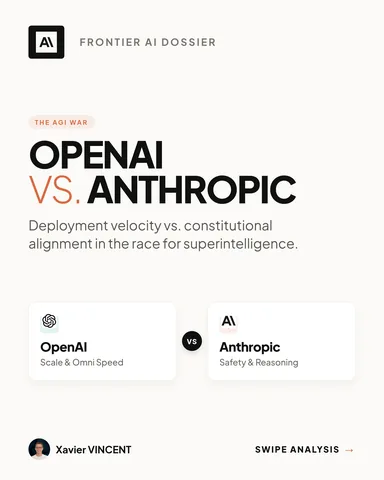
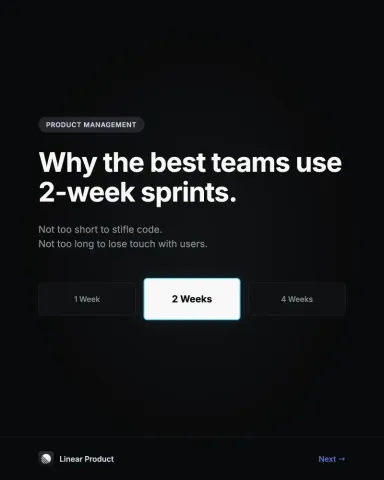
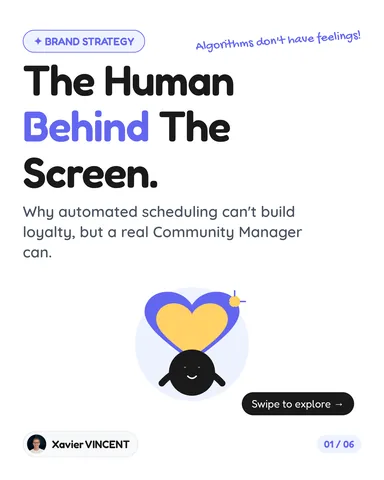
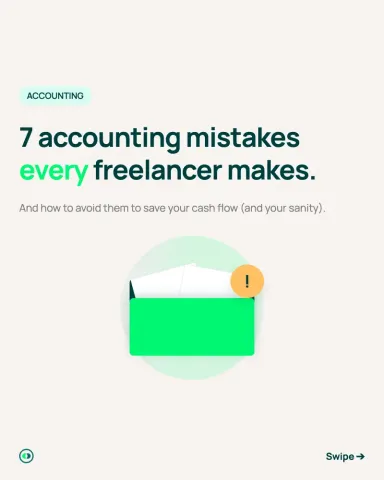
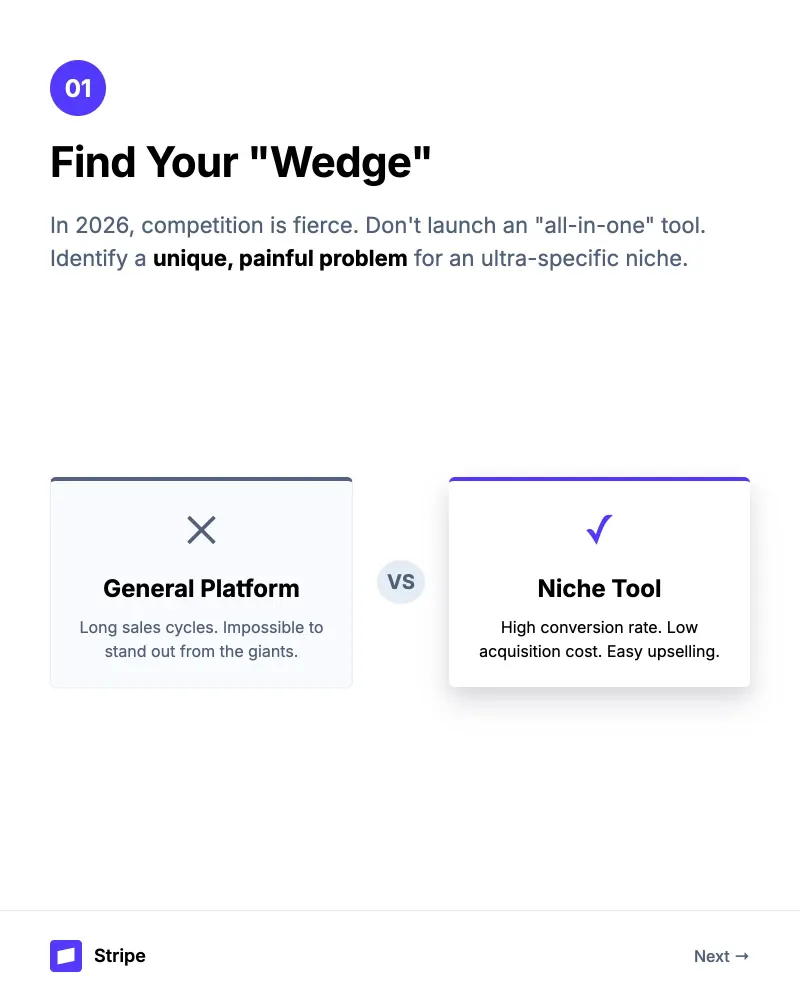
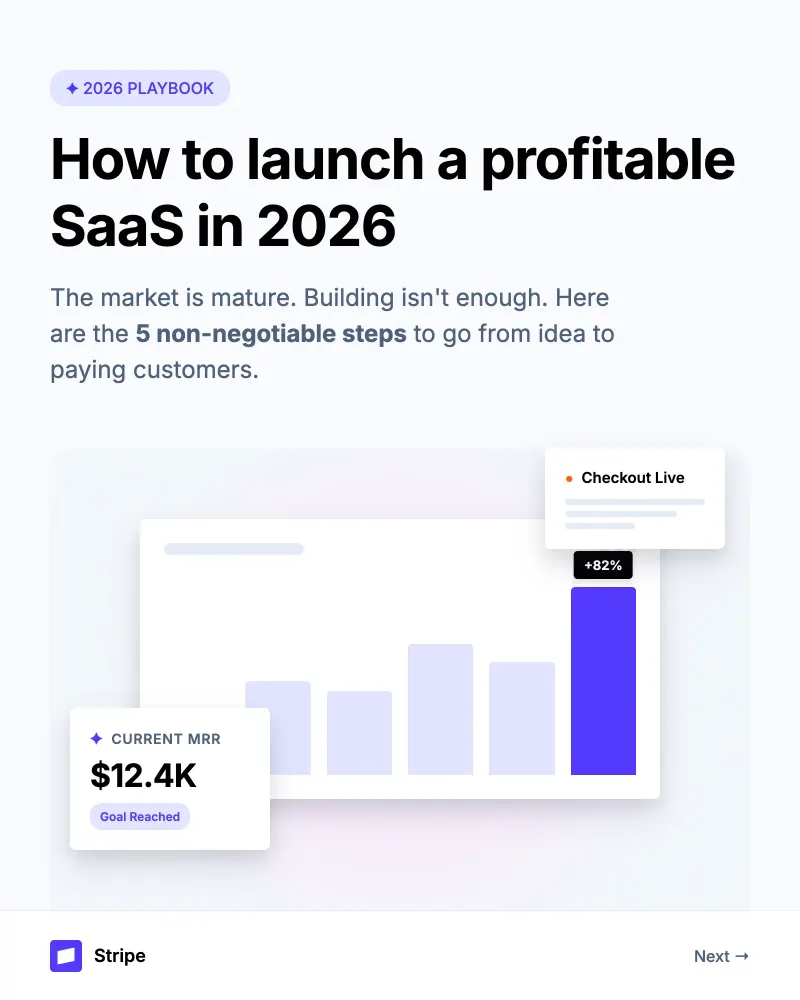
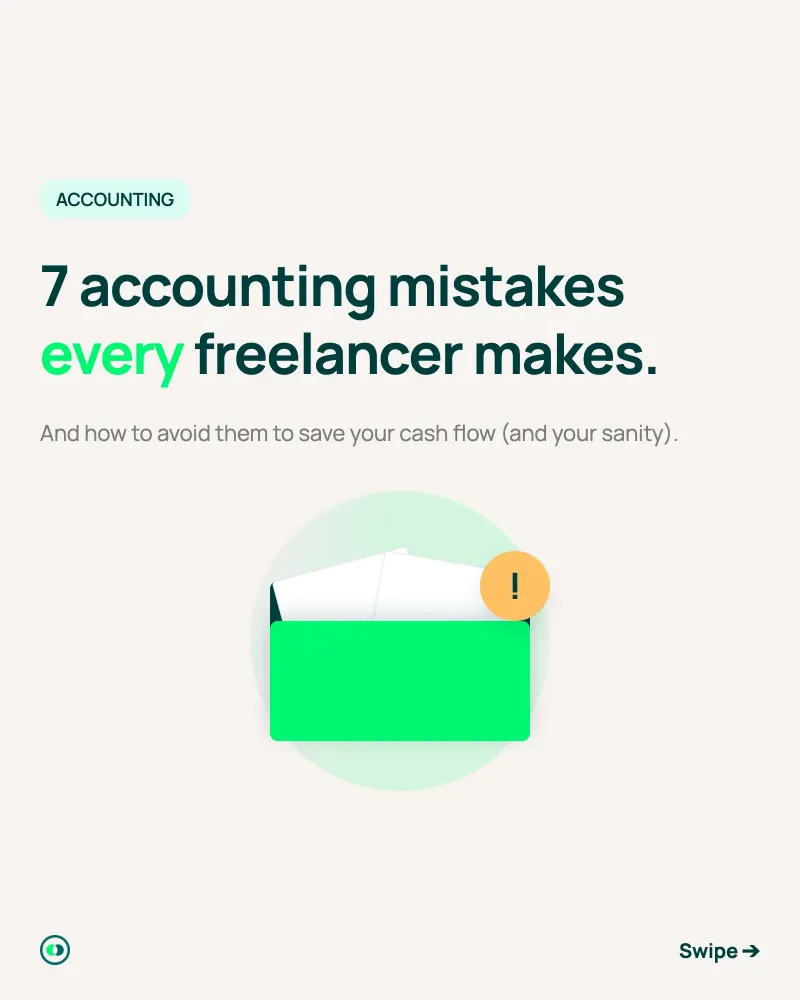
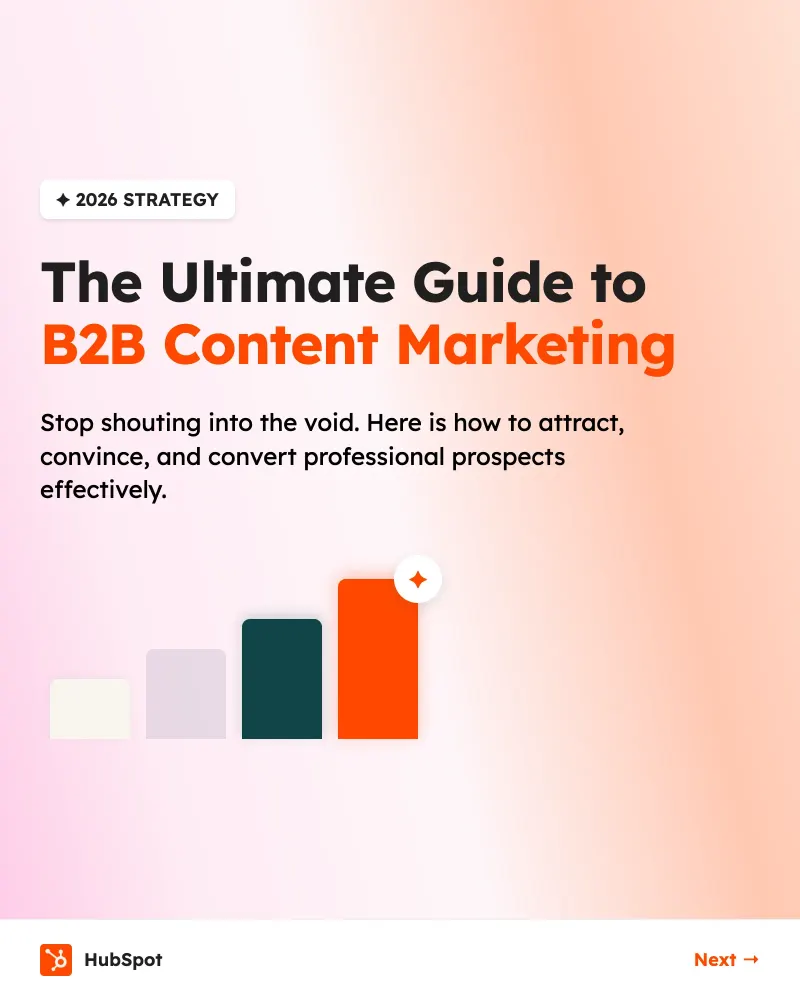
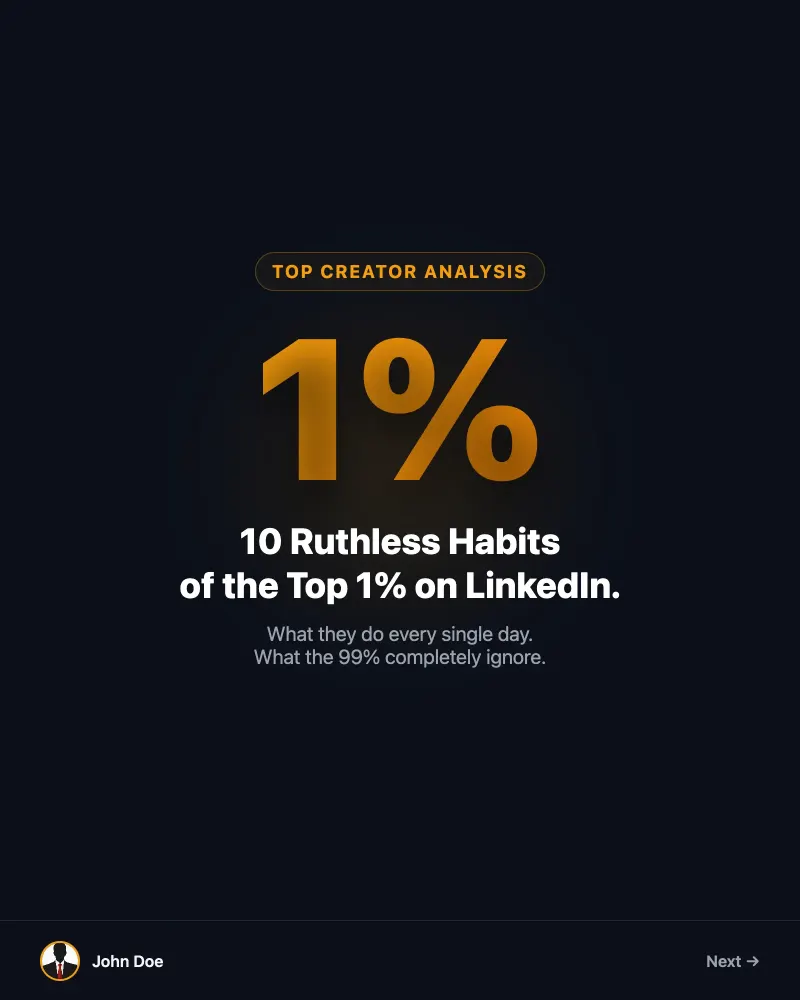
Real carousels, one prompt each
Every carousel below was generated from a single prompt, with or without a brand kit. Hover to browse the slides.
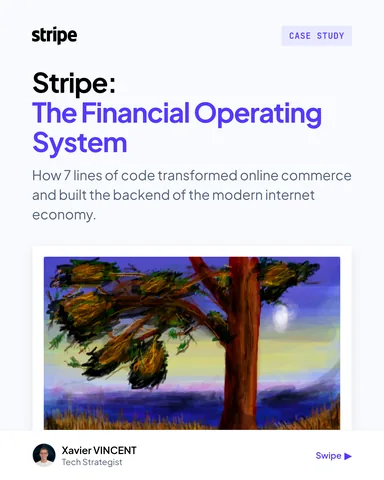
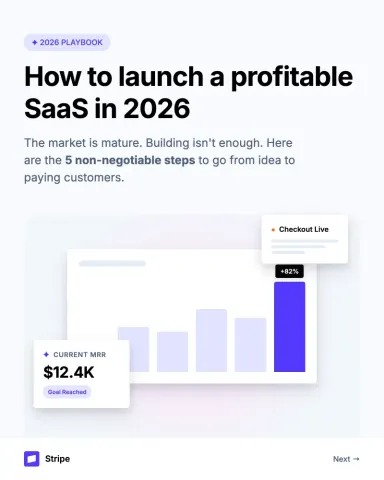
 Stripe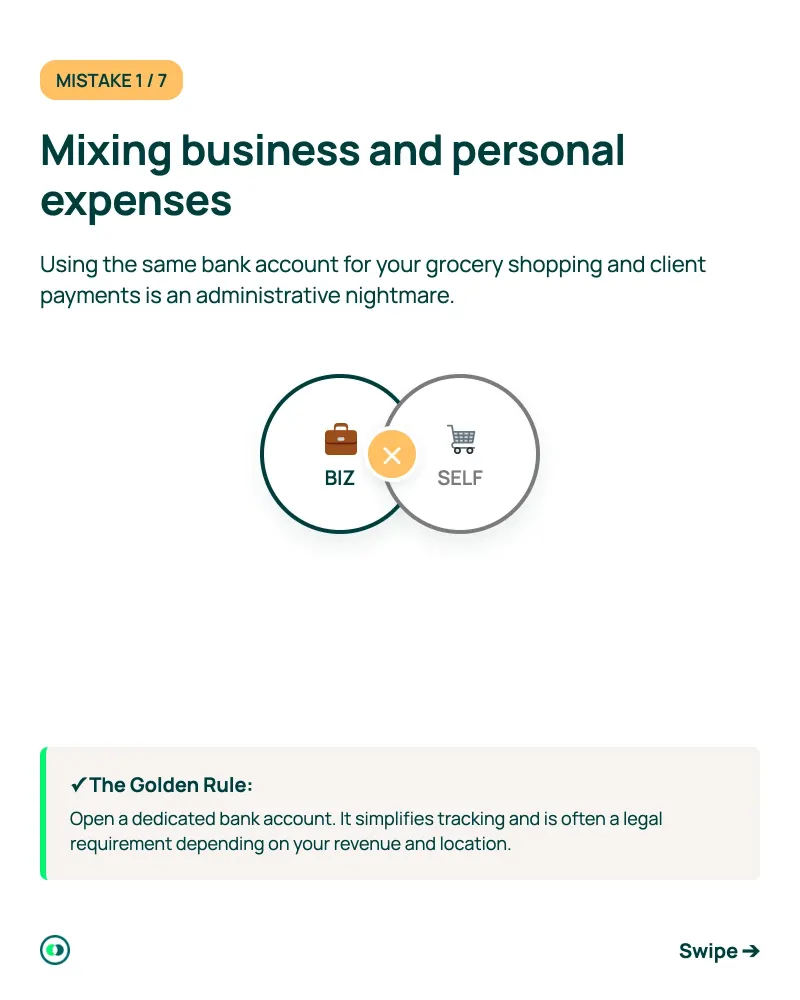
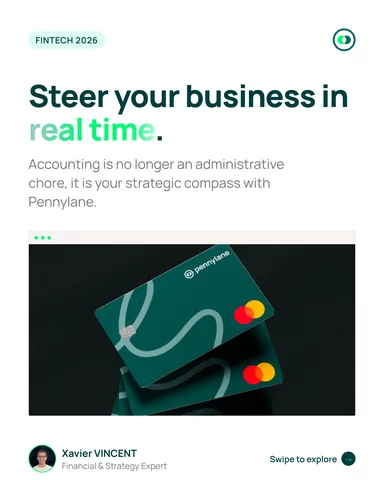
 Pennylane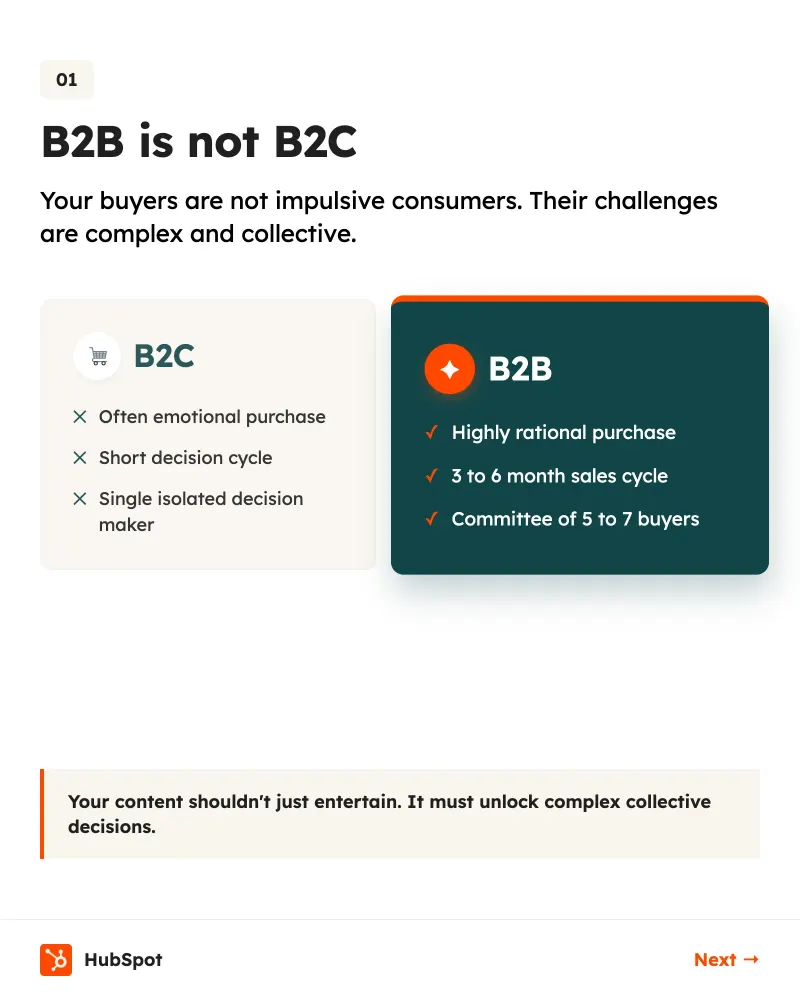
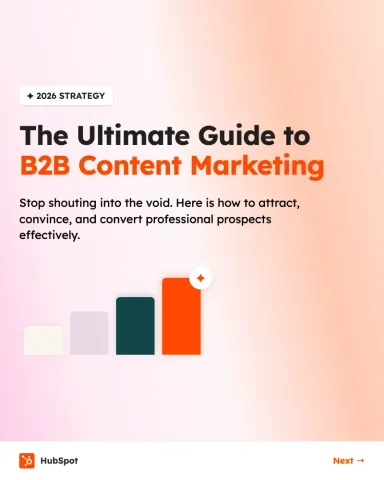
 HubSpot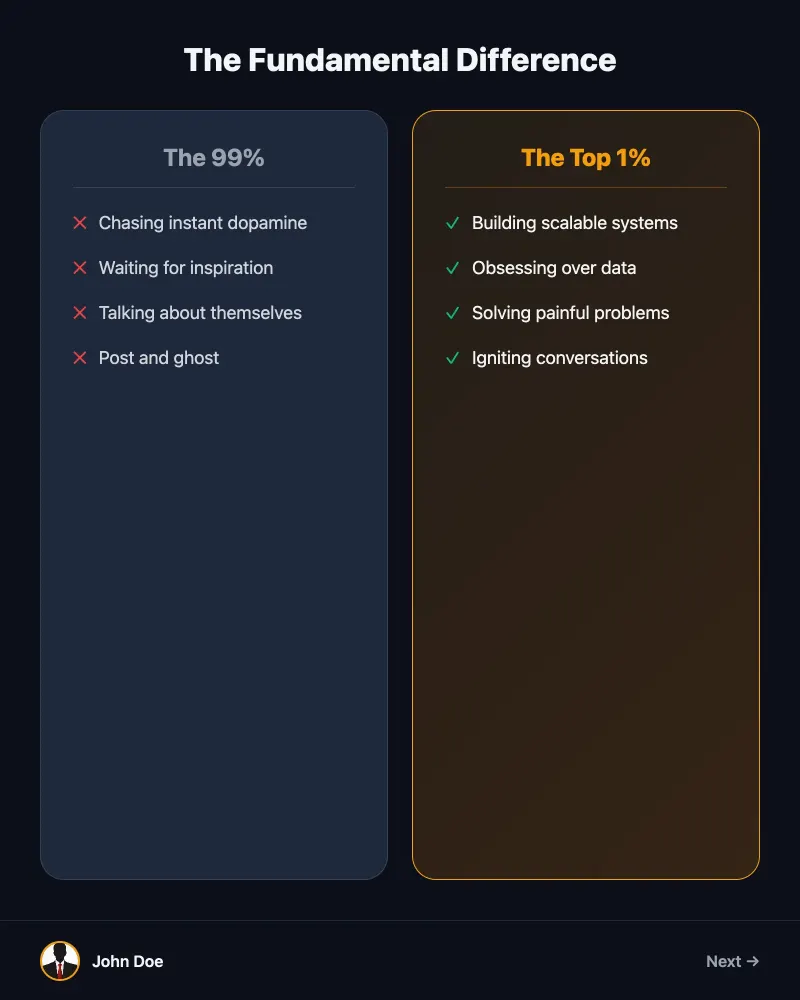
FAQ
Questions, answered
The short version. The full FAQ covers everything else.
Carousels Generator is a LinkedIn carousel generator powered by artificial intelligence.
Unlike traditional design tools like Canva or Figma, our platform automatically generates both the textual content AND visual design of your carousels. Simply enter your idea or topic, and AI creates a full professional carousel in less than 2 minutes.
No, no design skills required.
- AI handles the layout automatically
- Colors and fonts are harmonized
- Use a Brand Kit to apply your brand identity instantly
If you can write a sentence, you can use Carousels Generator.
Yes! All paid plans include full customization options:
- Add your logo
- Define your brand colors
- Choose your favorite fonts
- Save your brand kit
Yes! Carousels Generator offers a Free plan at $0 which includes:
- 10 welcome credits at signup (one-time, no monthly refill)
- AI-powered carousel generation
- PDF export (with watermark)
- Up to 5 carousels
Brand kits, web search and unlimited carousels are paid features. No credit card required to start, and you also get a 7-day Pro trial with full access to all features.
A credit corresponds to an AI generation or action. On average:
- 1 carousel = 5 credits
- Editing a slide = 1 credit
- Full carousel edit = 3 credits
- Brand kit import = 5 credits
- Publish to LinkedIn / Threads / Instagram = 3 credits
- Publish to X (Twitter) = 1 credit per slide
With the Starter plan, you can create about 30 carousels per month.
We refund the unused share of your credits, up to 14 days after your first subscription.
Used 30% of your monthly credits? You get 70% back, pro-rated. Cancel any time within 14 days and we send the leftover back, no questions asked. Our Free plan also lets you test the AI before any commitment.
Your next carouselis one prompt away.
Type a topic, get a designed carousel. Free to start, no credit card.