
Carousels for LinkedIn
freelance accountant

Generate high-quality educational content for potential clients. Turn your tax advice into striking visuals without touching Canva.
Building Your Authority as a Freelance Accountant on LinkedIn
Visual content is the most powerful lever for a freelance accountant looking to demonstrate technical mastery. By sharing precise advice on taxation or cash flow management through carousels, you turn dry concepts into digestible resources for entrepreneurs. This educational approach reduces friction during prospecting because your prospects already see the value you provide before the first call.\n\nConsistency is the major challenge for any freelancer. Between tax filings and year-end accounts, finding time to design slides is complex. Our tool automates the creation of these materials, allowing you to post two to three times a week without sacrificing your billable hours. You stay present in your targets' newsfeed without the mental burden of design.\n\nA well-structured carousel generates more engagement than simple text. LinkedIn's algorithms favor dwell time on each slide, which increases the reach of your posts. For a freelance accountant, every extra view is an opportunity to become the go-to expert for a growing startup or SME.
Features Designed for Accounting Expertise
Save time on creation to focus on client advisory.
Brand Kit Import
Import your logo and colors from your website for 5 credits. Your visual identity is applied instantly.
Specialized AI Writing
Use Google Gemini 1.5 Pro to write precise tax explanations from a simple prompt.
Integrated Web Search
Paid plans include Tavily to extract the latest finance law figures or current tax rates.
Native PDF Export
Download your carousels in 1080x1350 format, optimized for the LinkedIn algorithm and perfect reading.
Post Scheduling
Plan your tax season posts with the integrated calendar available on Pro and Scale plans.
Multi-platform
Publish your tips on LinkedIn (3 credits), Instagram (3 credits), or X (1 credit per slide) in one click.
Prompt Examples for Independent Accountants
Copy these ideas to generate your next carousel in under a minute.
3 Steps to Publish Your Expertise
Go from idea to LinkedIn post in record time.
- 1
Describe your topic
Type a simple sentence about an accounting or tax point. The AI handles the structure.
- 2
Adjust with AI
Use the chat to modify a slide (1 credit) or change the tone of the entire carousel (3 credits).
- 3
Publish or Schedule
Export as PDF or publish directly to LinkedIn. Pro plans allow you to schedule your posts in advance.
Hooks That Grab Entrepreneurs' Attention
The first slide is crucial. Here is how to stop your prospects from scrolling.
“Most freelancers overpay their taxes by 15%. Here is why.”
“3 tax return mistakes that will catch the auditor's eye.”
“How I halved my client's administrative management time.”
“The 6-step year-end closing checklist for peace of mind.”
“LLC or S-Corp? The net income simulator you have been waiting for.”
Popular Templates for Finance Experts
Use structures that already work for financial advisory and audit carousels.
Fatal Mistakes When Creating Your Carousels
Avoid these pitfalls to maintain a rigorous professional image.
Being too technical on the first slide.
Do this instead
Use simple, benefit-oriented language. Save the tax code citations for the end.
Using unreadable fonts on mobile.
Do this instead
Stick to sans-serif fonts with high contrast. Our tool optimizes this by default.
Forgetting the call to action at the end.
Do this instead
Always end with an invitation to book a call or download a free guide.
Frequently Asked Questions
How much does it cost to create a carousel?▾
Generating a carousel from a prompt costs 5 credits. Using a marketplace template costs 8 credits.
Can I try it for free?▾
Yes, you receive 10 welcome credits upon registration, no credit card required. This allows you to test generation and editing.
How does the Pro subscription work?▾
The Pro plan costs $39/mo and includes 500 credits per month, animated video export, and post scheduling. A 7-day free trial is available with 5 bonus credits.
Can I add my firm's logo?▾
Absolutely. You can import your Brand Kit (logo, colors, fonts) for 5 credits. It will be automatically applied to your future carousels.
Does the AI know local tax laws?▾
Thanks to Tavily web search integration on paid plans, the AI can consult recent sources to ensure the relevance of tax information.
What are the credit pack prices?▾
If you do not want a subscription, you can buy packs: 30 credits for $5, 100 credits for $15, or 300 credits for $35.

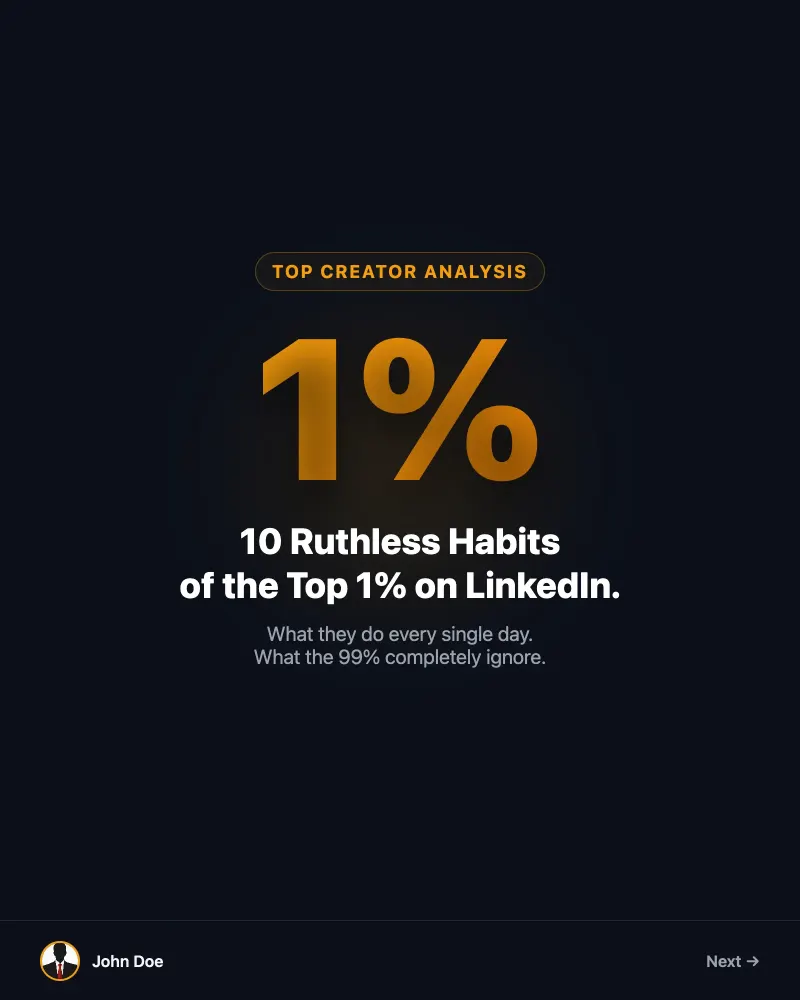
Ready to Become the Most Followed Accountant on LinkedIn?
Join the freelancers automating their content. 10 free credits upon sign-up.