

Give your ideas another format.
Paste one of your posts, an article, or your notes. Turn it into slides you can edit and publish.
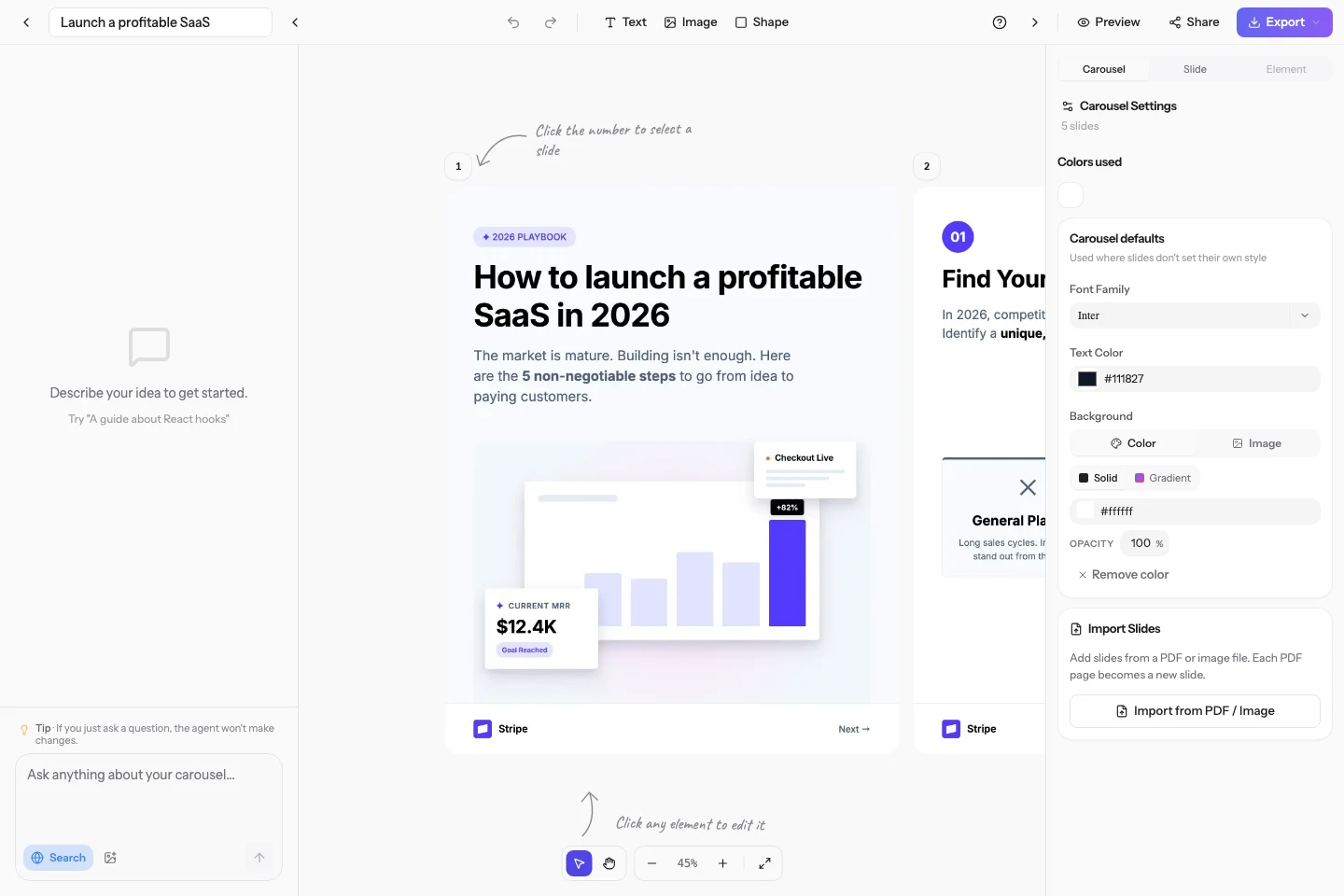
You can keep editing the text in the editor.
From text to slides. You keep control.
01
Start with your content
Paste your text and add the audience, tone, or points you want to keep.
02
Review and refine
AI drafts the copy and layout. Ask for a change in chat or edit a slide directly.
03
Export or publish
Download a PDF or PNG, or publish through a connected social account.
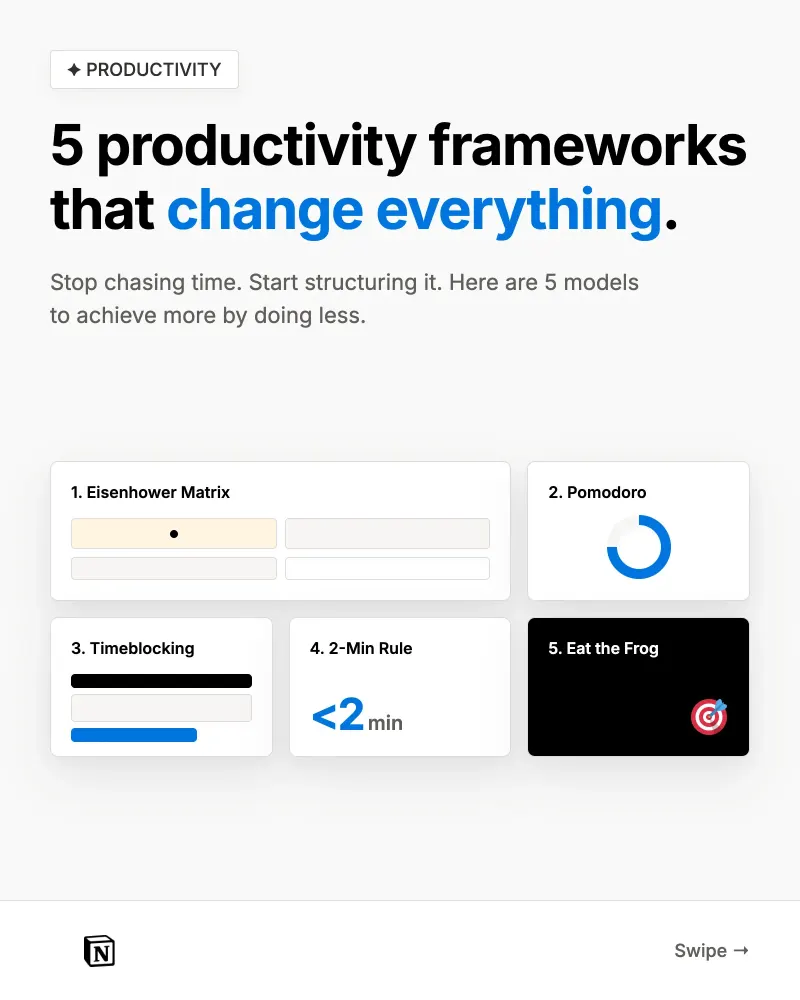
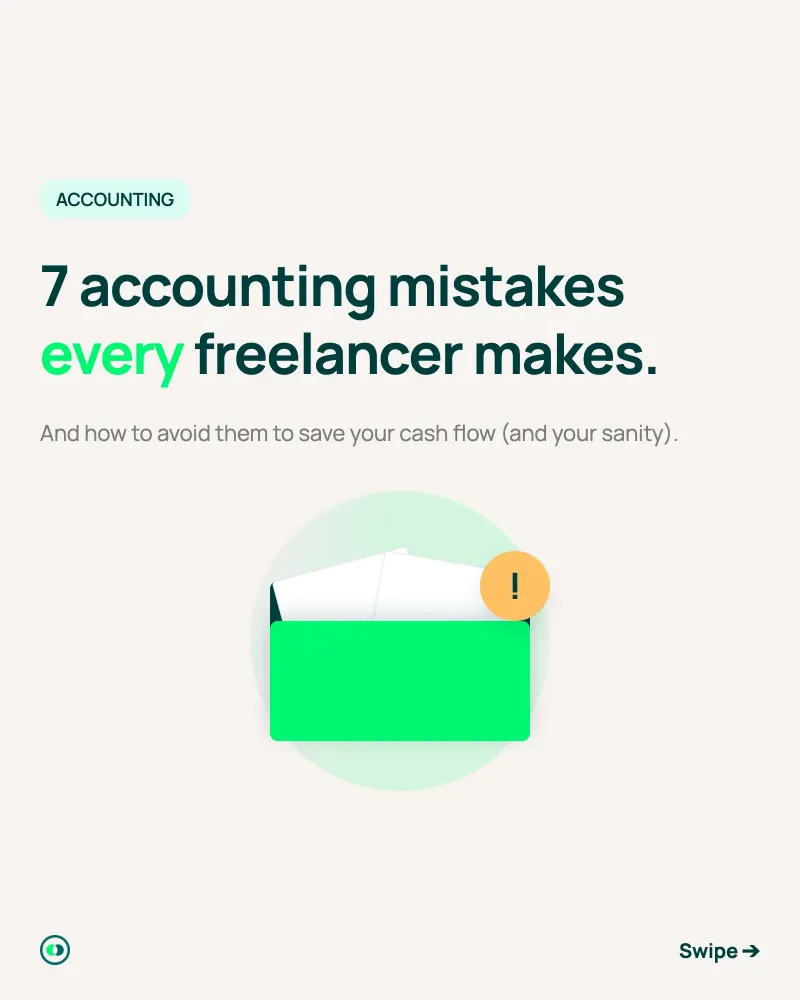
A few examples of what you can create.
Examples made in the app with different brand kits.

Frequently asked questions
What content can I use?
Your posts, articles, notes, or drafts. Specify the ideas to keep and review the facts before publishing.
Can I customize the design afterward?
Yes. Edit text, colors, fonts, and layout in the editor. You can also ask for changes in chat.
Where can I publish?
Export a PDF or PNG. Connect your LinkedIn, Instagram, Threads, or X account to publish from the app.
How much does it cost?
Signup includes 10 free credits, with no credit card. Generation and AI edits use credits. See pricing for the available plans.