
Carousels for LinkedIn
coaching carousel designer

Turn your coaching ideas into high-impact visual carousels. Automate your design without losing your unique brand identity.
The Art of Selling Coaching Through Visual Design
Designing carousels for the coaching sector requires a deep understanding of learning psychology and selling intangible services. A great carousel isn't just pretty; it must structure complex thoughts into digestible steps for a busy LinkedIn audience. By using dedicated tools, you can now move from content strategy to visual production in under 60 seconds. Google Gemini 3.1 Pro AI analyzes your coaching text to extract key points and layout slides according to modern design standards while respecting your niche's codes. This approach allows designers and coaches to maintain a daily presence without getting bogged down in complex creative software. You focus on the educational value while technology handles alignment, visual hierarchy, and exporting to LinkedIn's native PDF format.
Tools Built for Coaching
Discover how our platform tailors design features to the specific needs of coaches and their programs.
Brand Kit Import
Import your coaching colors and fonts from your URL for 5 credits. Your identity is applied to every slide.
Predictive Design AI
Generate the text and full visual for a coaching carousel in 60 seconds for just 5 credits.
Targeted AI Editing
Edit one or two specific slides via simple chat for 1 credit, perfect for tweaking a call to action.
Tavily Web Search
Paid plans include web search to source fresh facts and statistics for your carousels.
Animated Video Export
Turn your carousels into videos (4:5 or 9:16) for Instagram or LinkedIn with Pro and Scale plans.
Integrated Scheduling
Schedule your coaching posts in advance on LinkedIn, Instagram, and Threads with the built-in calendar.
Optimizing Your Content Production Workflow
Coaching relies on trust and repetition. For a carousel designer, the challenge is producing high volumes of content without a drop in quality. Carousels Generator lets you create themed series in a few clicks, making it easy to build visual sales funnels. Each generation costs 5 credits, allowing for precise management of your creative budget. With the 10-credit welcome pack offered at signup (no credit card required), you can immediately test two carousel concepts for your coaching offer. Multi-platform integration is a major asset. Publishing to LinkedIn costs 3 credits, while sharing on Instagram or Threads is also set at 3 credits. This ensures maximum visibility for your coaching advice across all professional and visual social networks.
Prompt Examples for Coaches
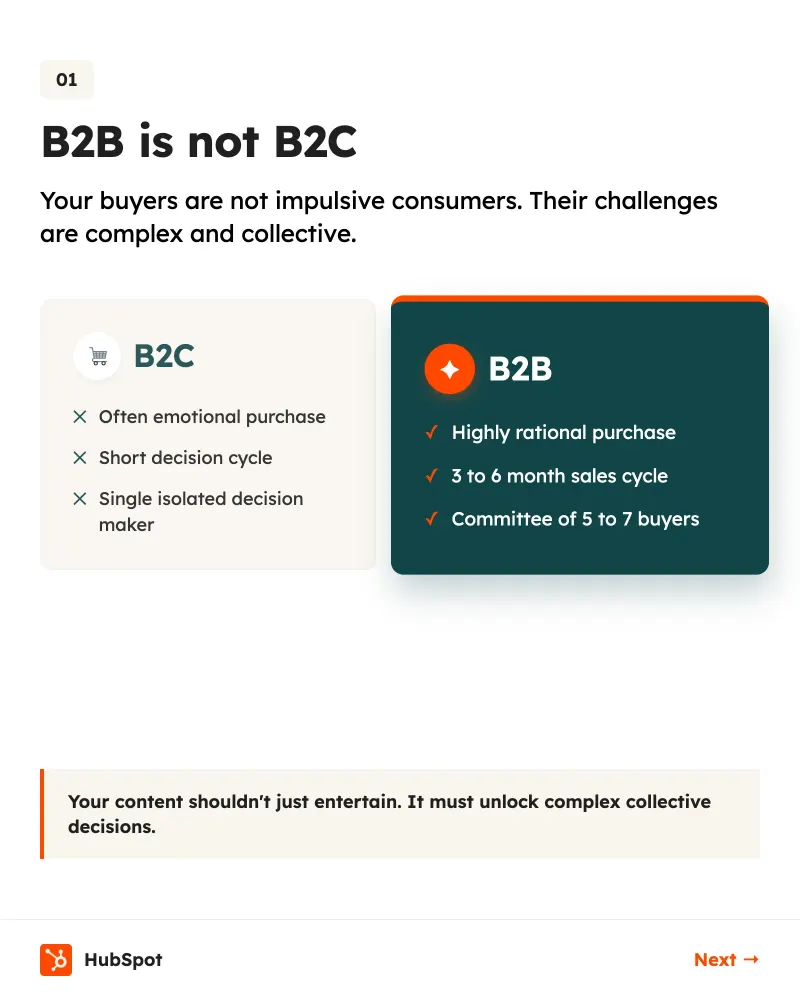
Use these optimized prompts to generate carousel structures that convert readers into clients.
Your Coaching Carousel in 4 Steps
Follow this simple process to turn your expertise into a powerful visual asset.
- 1
Concept Input
Enter your coaching topic or paste a blog post. The AI analyzes the most effective educational angle.
- 2
Style Customization
Apply your Brand Kit (5 credits) or choose a marketplace template (8 credits) tailored to the consulting sector.
- 3
AI Adjustments
Use the chat to modify the overall tone (3 credits) or fix a specific slide (1 credit).
- 4
Multi-channel Distribution
Export as PDF for LinkedIn or publish directly to Instagram and X to maximize your message's reach.
Magnetic Hooks for Coaches
The first slide is crucial. Here are headline structures that stop the scroll.
“Why 90% of coaches fail to find clients on LinkedIn (and how to avoid it).”
“The exact framework I use to free up 10 hours a week for my CEO clients.”
“Stop selling coaching. Start selling results.”
“How I turned a free session into a 5000 dollar contract.”
“3 numbers that prove transition coaching is essential in 2024.”
Templates Loved by Coaches
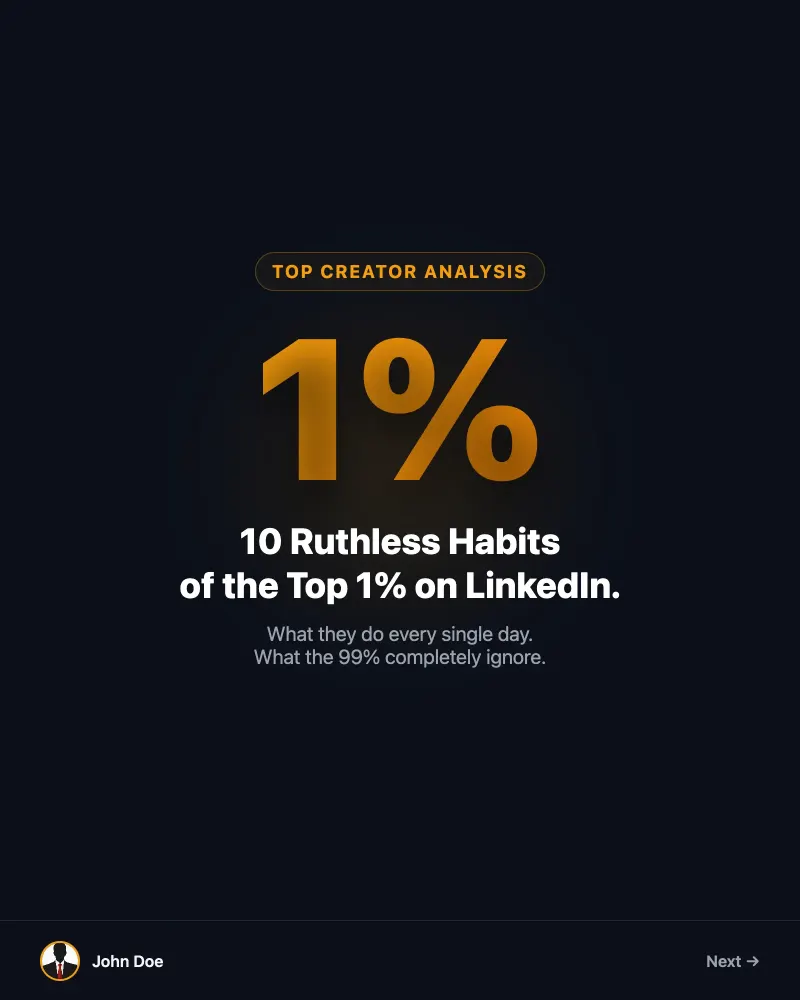
Use design structures that already work for thought leaders and consultants.
Fatal Carousel Design Mistakes
Avoid these common pitfalls that hurt your professional coaching credibility.
Too much text per slide
Do this instead
Use AI to summarize your ideas into a maximum of 3 bullets per slide. Clarity beats density.
Neglecting the call to action
Do this instead
Always end with a clear closing slide. Targeted editing for 1 credit lets you perfect your CTA.
Inconsistent branding
Do this instead
Import your Brand Kit for 5 credits to ensure every carousel reinforces your brand recognition.
Frequently Asked Questions on Carousel Design
How much does it cost to create a full carousel?▾
Generating a carousel from a prompt costs 5 credits. If you use a marketplace template, the cost is 8 credits.
Can I test the tool for free?▾
Yes, you receive 10 welcome credits upon registration, with no credit card required. This allows you to create up to 2 carousels for free.
What are the subscription rates?▾
The Starter plan is 19 dollars per month for 150 credits. The Pro plan, our most popular, is 39 dollars per month for 500 credits. The Scale plan is 99 dollars per month for 1500 credits.
How does the referral system work?▾
Our referral program offers 20 credits to the referrer and 10 credits to the referee for every successful new signup.
Is it possible to buy credits without a subscription?▾
Yes, we offer top-up packs: 30 credits for 5 dollars, 100 credits for 15 dollars, or 300 credits for 35 dollars.
Can I publish to multiple social networks?▾
Absolutely. Publishing to LinkedIn, Instagram, or Threads costs 3 credits per platform. On X (Twitter), the cost is 1 credit per slide.
Ready to Design Your Next Success?
Join the coaches automating their content with style. 10 credits free upon signup.