
Carousels for LinkedIn
enterprise speaker

Convert your keynotes and corporate insights into high-fidelity LinkedIn carousels. Automate your speaker personal branding.
Amplify the reach of your professional keynotes
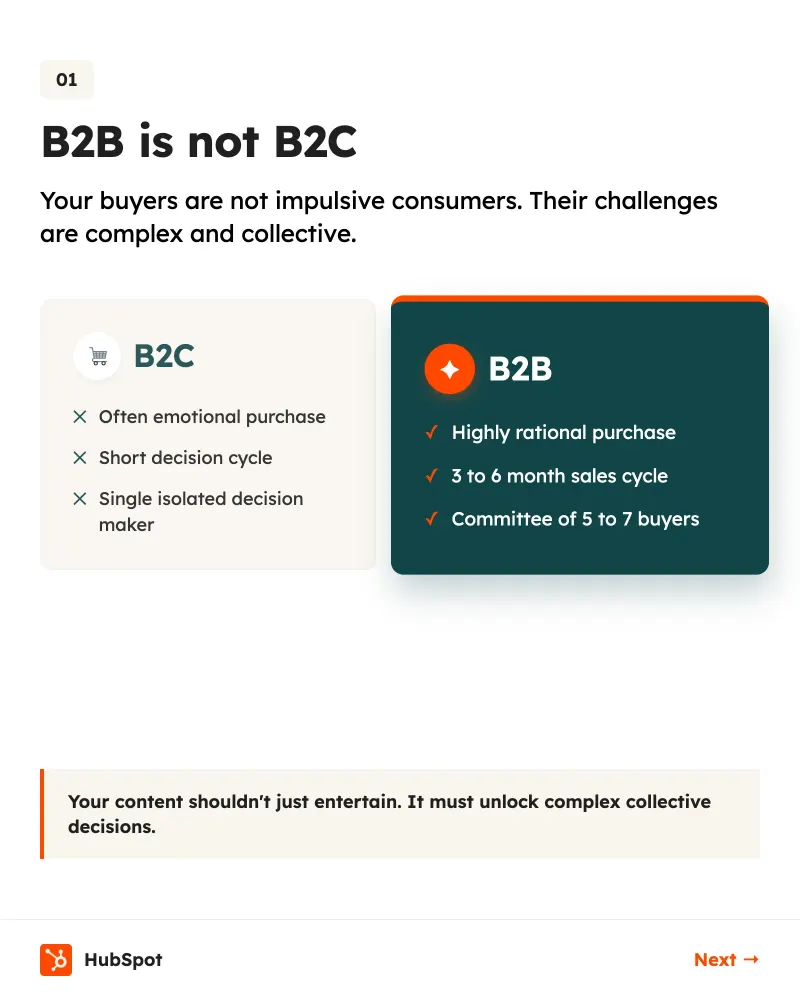
An enterprise speaker LinkedIn carousel allows you to transform a 45-minute presentation into viral content consumed in under a minute by your peers. For a speaker in the corporate world, visibility does not stop when the applause ends. It is crucial to recycle your key ideas into a format that LinkedIn algorithms favor to maintain your authority. Using structured visuals helps anchor complex concepts like change management or disruptive innovation. By regularly publishing carousels, you stay top-of-mind for decision-makers and event organizers long after your talk. This is a long-term content strategy that validates your expertise with a qualified audience. AI automation now makes it possible to generate these assets without spending hours on complex design software. You enter your key points, and the artificial intelligence handles the layout, color choices, and visual hierarchy. This frees up your time to focus on preparing your next major intervention.
Features designed for keynote speakers
Optimize your digital presence with tools built for the corporate world.
60-Second Generation
Google Gemini 3.1 Pro AI creates the text and design of your carousel from a simple prompt or keynote summary.
Brand Kit Import
Import your colors and logos from your speaker site for 5 credits to ensure total visual consistency.
Targeted AI Editing
Edit a specific slide for 1 credit or request a global message overhaul for 3 credits.
Animated Video Export
Turn your slides into 4:5 or 9:16 videos to capture attention, available on Pro and Scale plans.
Integrated Scheduling
Schedule your posts on LinkedIn, Instagram, and Threads directly from our content calendar.
Tavily Web Search
Enrich your carousels with real facts and fresh statistics pulled from the web for your enterprise topics.
Prompt examples for your carousels
Use these ideas to transform your conference topics into engaging LinkedIn content.
The importance of Brand Kits for speakers
Maintaining your visual identity is paramount for an enterprise speaker LinkedIn carousel that aims for instant recognition. By using the Brand Kit import feature, you automatically inject your fonts and institutional color palette into every creation. This avoids the amateur look of generic templates and strengthens your premium positioning with major accounts. Every organization on our platform can configure its own assets. For a cost of 5 credits, you gain total peace of mind: no more checking if the hex code of your corporate blue is correct on every slide. The AI applies these design rules intelligently, ensuring your logo is always placed optimally without obscuring text. This visual consistency makes your message more memorable. When your prospects scroll past your carousel, they immediately associate the graphic quality with the quality of your stage performances. It is a powerful lever to justify high service rates and stand out in a news feed saturated with mass-produced content.
Your carousel ready in 4 steps
The process is designed to be seamless, even if you have no design skills.
- 1
Enter your idea
Input your talk topic or paste your notes. The AI structures the argument for you (5 credits).
- 2
Apply your style
Select your Brand Kit or choose a premium template from our marketplace (8 credits).
- 3
Adjust with AI
Use the integrated chat to rephrase a sentence or change an image on a specific slide (1 credit).
- 4
Publish and schedule
Export as a PDF or publish directly to LinkedIn (3 credits) to reach your target audience.
Hooks that captivate decision makers
The first slide determines if your carousel will be read or ignored by senior executives.
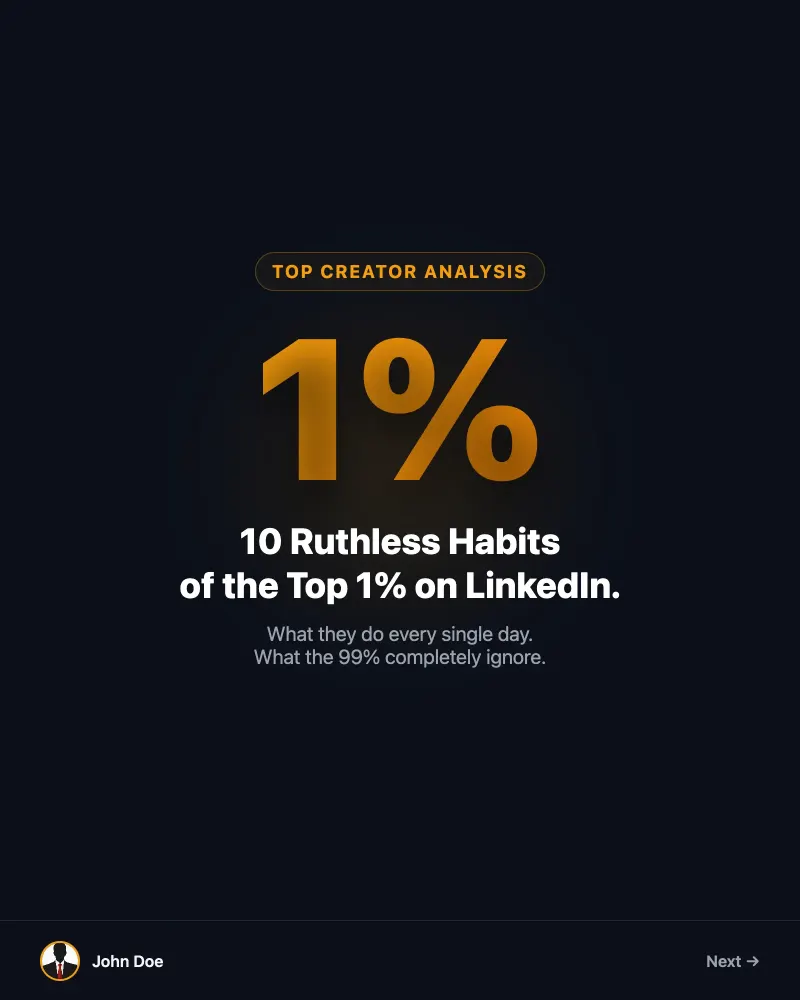
“Why 80% of digital transformations fail in less than 18 months (and how to avoid it).”
“The 4-step framework I presented at the last economic forum to double productivity.”
“Stop hiring talent, start building skill ecosystems.”
“How a simple logistics error cost this retail giant 2 million euros.”
Top-rated templates for speakers
Discover the most effective carousel structures for sharing case studies and industry analysis.
Common mistakes to avoid
Don't let small details ruin the impact of your enterprise expertise.
Overloading slides with text
Do this instead
Use one idea per slide. AI can help you synthesize your paragraphs into clear bullet points.
Forgetting the call to action
Do this instead
Always end with a question or an invitation to download your white paper from your site.
Ignoring the 4:5 format
Do this instead
Always export in 1080x1350, the native LinkedIn format, to occupy maximum space on mobile screens.
Frequently Asked Questions
How much does it cost to generate a full carousel?▾
Generating a carousel from a prompt costs 5 credits. If you use a marketplace template, the cost is 8 credits.
Can I try the tool for free?▾
Yes, we offer 10 welcome credits upon registration, no credit card required. You can also activate a 7-day Pro trial with 5 bonus credits.
What are the subscription rates?▾
The Starter plan is $19/month for 150 credits, the Pro plan is $39/month for 500 credits, and the Scale plan is $99/month for 1500 credits.
Is it possible to publish directly to social networks?▾
Absolutely. Publishing to LinkedIn costs 3 credits, Instagram costs 3 credits, and X (Twitter) costs 1 credit per slide.
Do credits expire?▾
Credits included in monthly subscriptions renew each month. Credit packs purchased individually never expire and are added to your monthly quota.
Ready to transform your next keynote?
Sign up today and get 10 free credits to create your first enterprise speaker LinkedIn carousel.