
Carousels for LinkedIn
education recruiter

Generate engaging LinkedIn carousels to attract top academic and administrative profiles in under 60 seconds.
Why carousels are the ultimate weapon for education recruiters
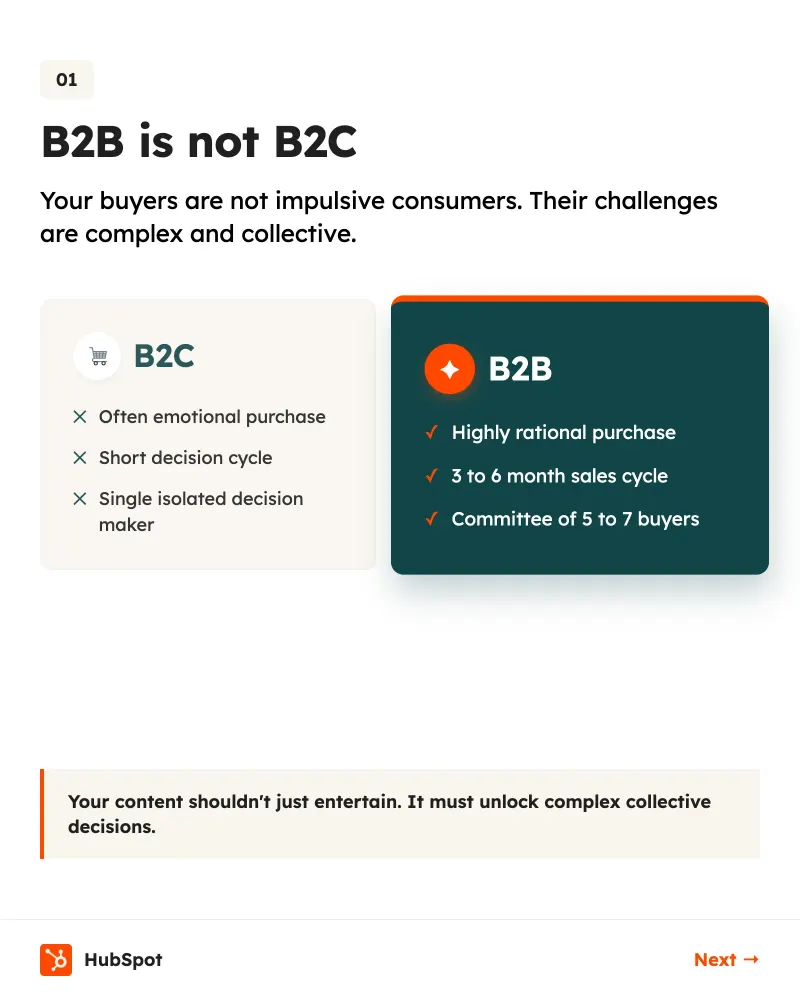
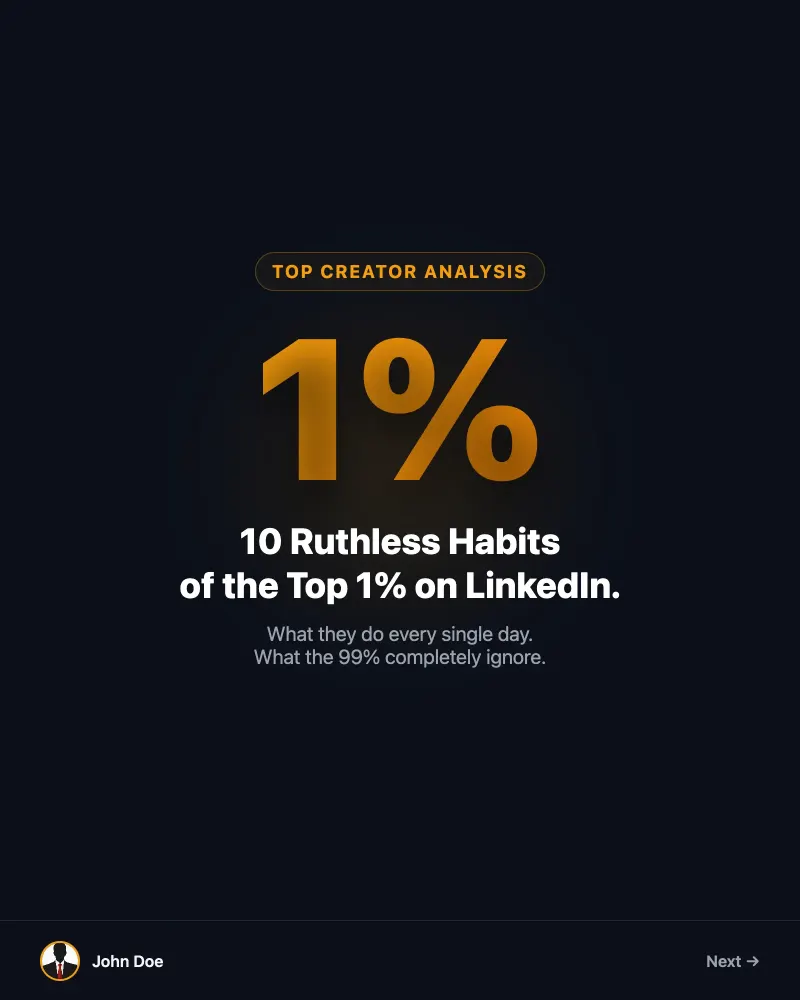
LinkedIn carousels allow education recruiters to present complex job offers in a visual and educational way. By breaking down your arguments across several slides, you increase the retention time of potential candidates, whether they are teachers, researchers, or school directors. Regularly posting career advice or behind-the-scenes looks at your campus strengthens your employer brand. LinkedIn's algorithms favor time spent on a post, and scrolling through slides is the most engaging action for a passive candidate browsing their feed between classes. Using specialized AI allows you to transform a dry job description into a dynamic visual experience. It is the ideal solution for academic HR departments that lack the time or internal creative resources to produce daily content.
Tools designed for academic recruitment
Optimize your sourcing with features designed for clarity and visual impact.
Pro AI Generation
Transform a simple teacher job brief into a full carousel with Google Gemini 3.1 Pro in 60 seconds.
Institutional Brand Identity
Import your Brand Kit (logo, school colors, fonts) for 5 credits and maintain total consistency.
Targeted Chat Editing
Modify a specific slide about your benefits for 1 credit or the entire carousel for 3 credits.
Integrated Web Search
Include fresh job market statistics in education via Tavily on paid plans.
Native PDF Export
Download your creations in 1080x1350, the LinkedIn standard for perfect sharpness on mobile.
Direct Multi-Posting
Post to LinkedIn, Instagram, and Threads in one click. LinkedIn posting costs just 3 credits.
Ready-to-use prompts for your recruitment
Copy these ideas to launch your next recruitment campaign on LinkedIn.
The importance of branding for schools
In the education sector, trust is the central pillar. A recruiter who posts misaligned or generic visuals risks damaging their institution's credibility. Our tool allows you to automatically import your brand identity from your website URL for 5 credits. Once your Brand Kit is configured, every generated carousel will strictly respect your color codes and typography. This ensures your recruitment messages are immediately identifiable by talent in your network. On Pro and Scale plans, you can even manage multiple kits for different departments or campuses. Visual consistency reduces cognitive friction for the candidate. When they see your carousel, they should feel the spirit of your campus before even reading the first slide. This professionalism makes the difference between a received CV and an ignored application.

Capture attention from the very first slide
The education sector is saturated. Use these hooks to stop the scroll of top talent.
“Why 70% of teachers leave the private sector after 2 years (and how we do the opposite).”
“The fatal mistake school directors make in their cover letters.”
“How we reduced our faculty turnover by 15% in one semester.”
“The ideal workspace for an AI researcher in 2024: our method.”
“3 simple steps to turn your passion for teaching into a stable career.”
Your recruitment carousel in 4 steps
Save hours of manual work and focus on your interviews.
- 1
Enter your topic
Describe the position to be filled or the career advice you want to share.
- 2
AI generates content
In under 60 seconds, the text and design are created for 5 credits.
- 3
Customize the design
Use the chat to adjust slides or apply your school's Brand Kit.
- 4
Publish or Schedule
Export as PDF or publish directly to LinkedIn for 3 credits.
Templates favored by academic recruiters
Use structures that already work for your peers. Using a template costs 8 credits.
Common LinkedIn recruitment mistakes
Avoid these classic pitfalls to maximize your response rate.
Only posting links to PDF job descriptions.
Do this instead
Transform key job points into an engaging visual carousel directly on LinkedIn.
Using generic stock images.
Do this instead
Use AI to generate consistent visuals or import real photos of your campus.
Forgetting the call to action on the last slide.
Do this instead
Always end with a QR code or a clear instruction to apply via the link in the comments.
Frequently asked questions about the tool
How much does it cost to create a carousel?▾
Generating a carousel from a prompt costs 5 credits. If you use a marketplace template, it costs 8 credits.
Can I test the tool for free?▾
Yes, you receive 10 free credits upon registration with no credit card required. You can also start a 7-day Pro trial to get 5 bonus credits.
How does the Brand Kit work for my school?▾
You can import your colors and logos from your website URL for 5 credits. They will be applied automatically to your future creations.
Can I export my carousels as video?▾
Yes, animated video export (4:5, 9:16, 1:1 formats) is available on Pro plans at $39/mo and Scale plans at $99/mo.
What are the subscription rates?▾
The Starter plan is $19/mo (150 credits), the Pro plan is $39/mo (500 credits), and the Scale plan is $99/mo (1500 credits).
Do credits expire?▾
Credits from your monthly subscription are renewed every month. One-time credit packs never expire.
Ready to transform your recruitment?
Join education recruiters boosting their visibility. 10 free credits upon registration.