

Images in prompts
Show the AI what you mean
Paste, drop or pick up to 4 images with your prompt. The AI looks at them before it writes and designs, so a photo lands where you want it and a style gets matched, not described.
10 free credits. No credit card required.
A photo on the slide, not a placeholder
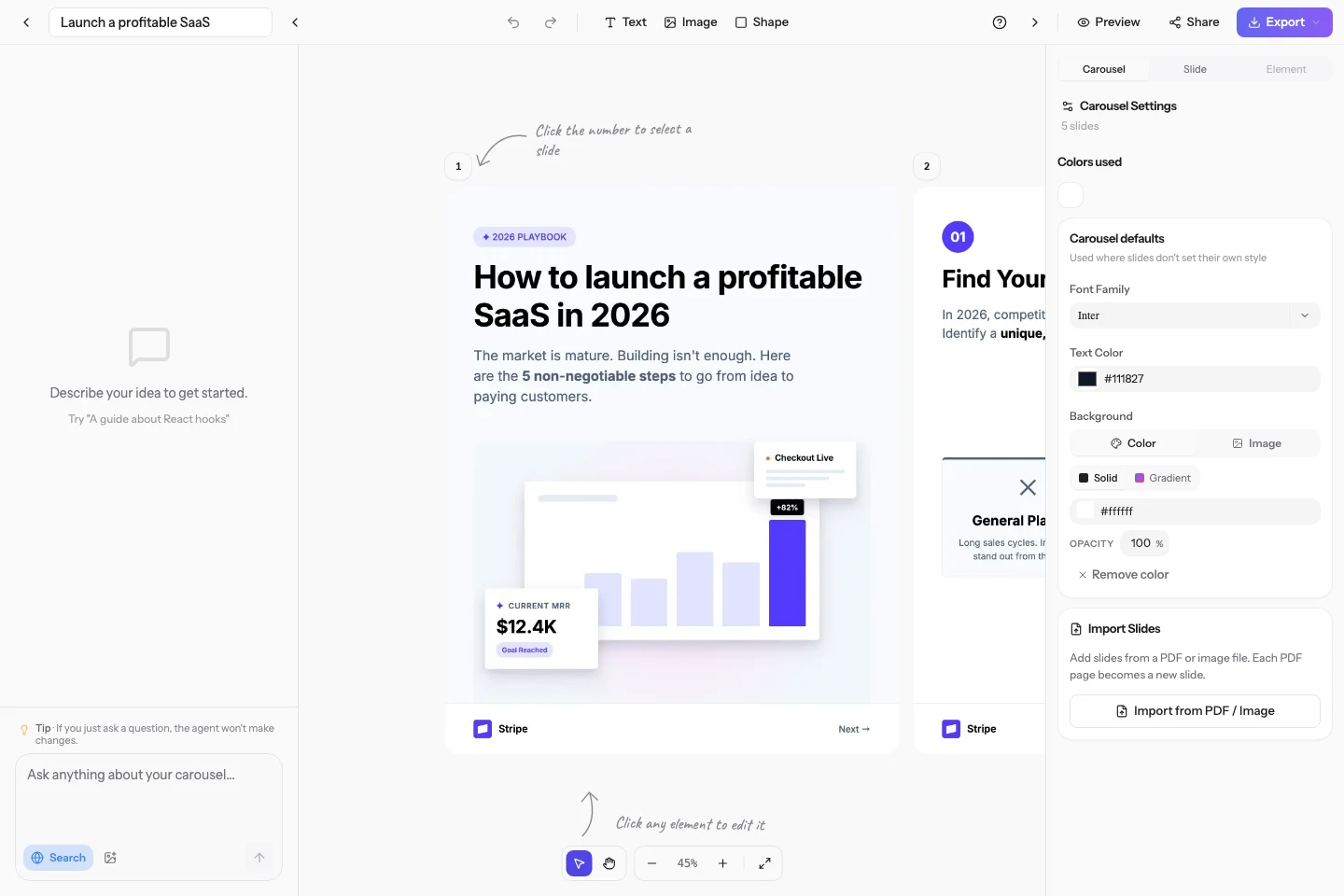
Attach the picture and say where it goes. The AI places it as a background, a hero or a logo.
Match a design you like
Drop a screenshot of a carousel or a brand visual and the AI takes its palette, type and mood as the reference.
Works everywhere you prompt
The dashboard, the create page and the editor chat all accept images, from the first prompt to a single edit.
How it works
Three steps, no learning curve
- 1
Attach
Paste an image, drag it in or click the image button next to Web.
- 2
Say what to do with it
Background, hero, logo, reference: one sentence is enough.
- 3
Generate
The AI reads the picture with your prompt, then writes and designs the slides.
Plans and credits
Included on Starter, Pro and Scale. Each attached image adds 1 credit to the prompt.
Questions, answered
Which formats and sizes are accepted?
PNG, JPEG, GIF and WebP up to 5 MB, four images per prompt.
Does the AI really see the image?
Yes. The picture is sent to the model with your text, so it reads its content, colors and layout, and can place it on a slide when you ask.
How much does it cost?
1 credit per attached image, on top of the usual generation or edit cost.
Try it on your next carousel
Describe a topic and get a designed carousel in about 2 minutes.

